Bratislava09:41Morning
+11h
Auckland20:41Evening
 Timo
Get Timo
Timo
Get Timo
World clock for iPhone
Timo puts your cities side by side, works out the difference, and colours each one by its time of day — so you can tell who's having breakfast and who's asleep before you've read a single number.
iPhone & Apple Watch · Free · No ads · No account · English, Deutsch, Español, 日本語, Português
These are live — the top card is your clock.
New in 1.5 · Apple Watch
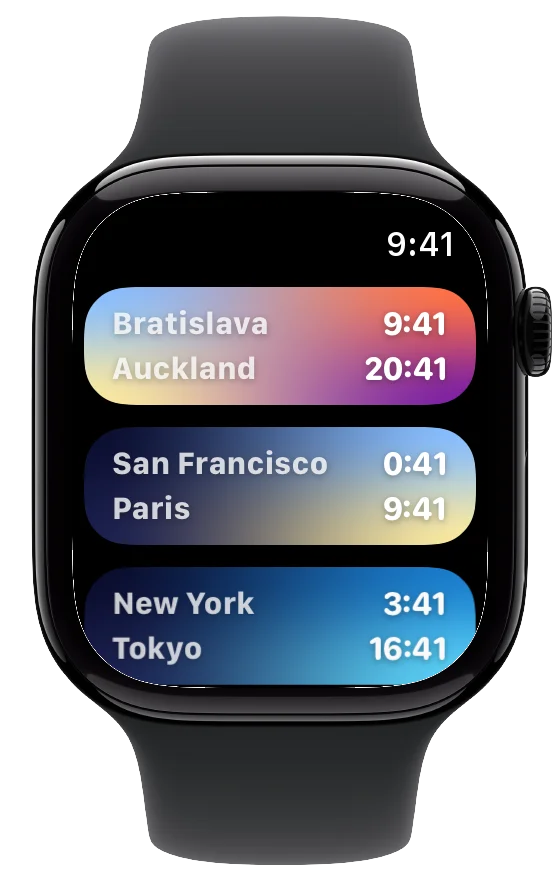
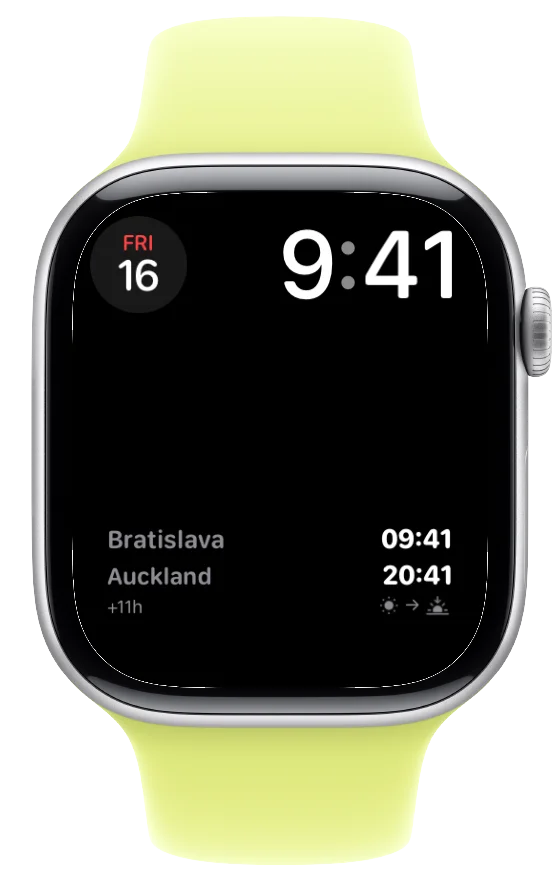
It's 9:41 in Bratislava and you're between meetings. A friend in Auckland is finishing dinner, and you'd like to catch them before bed. You don't reach for your phone. You raise your wrist, and their card is glowing the purple of evening, eleven hours ahead. Plenty of time.
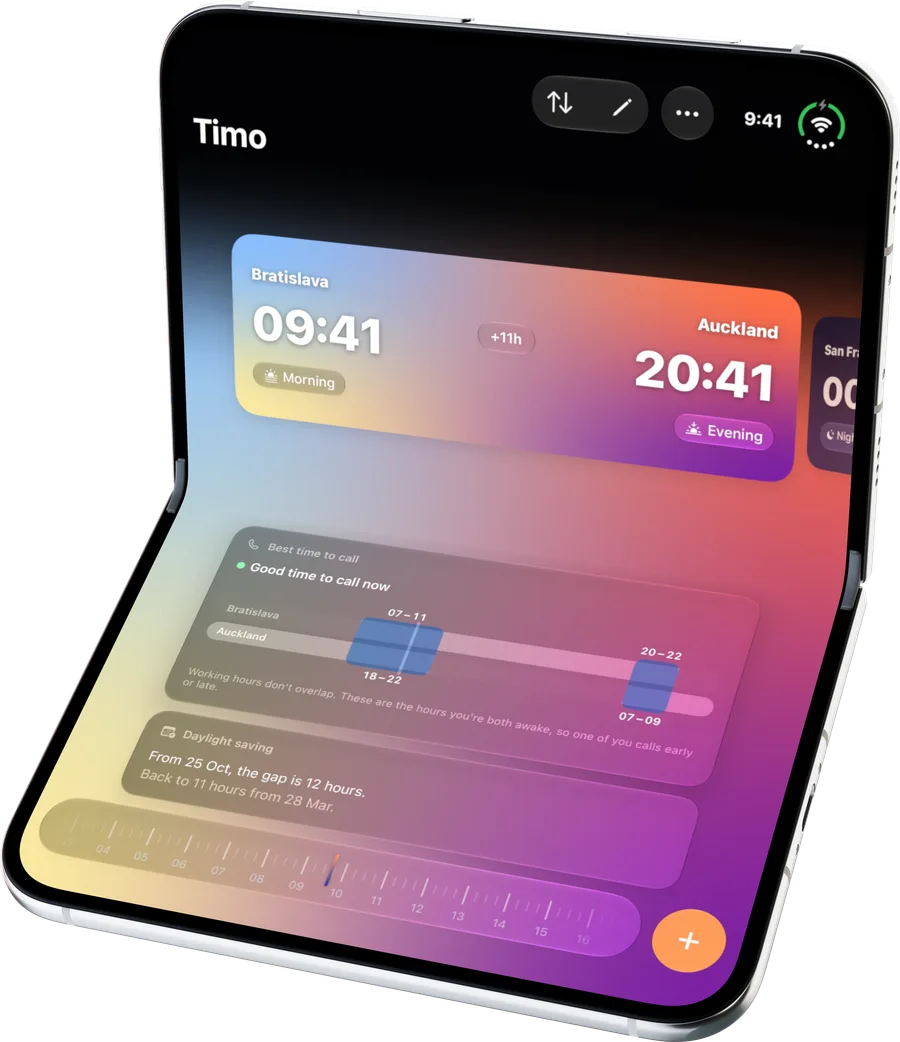
New in 1.5 · iPhone Duo
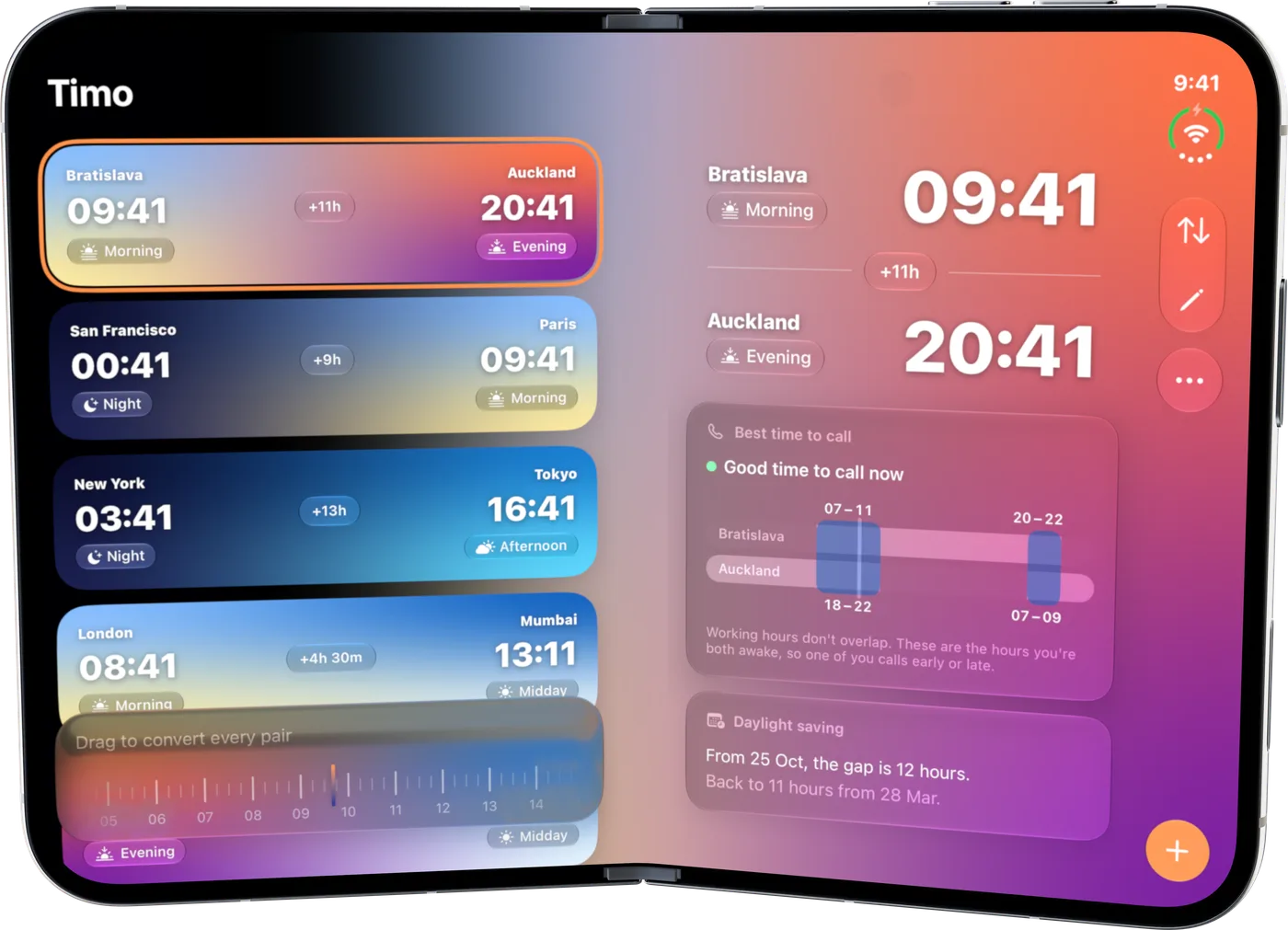
On a phone, checking a pair is a round trip: tap in, read, tap back out. On iPhone Duo, you just unfold. Your cities stay on the left page. Tap Auckland and read across: evening there, the hours you're both awake, the day daylight saving next moves the gap.
Themes
Maybe you'd rather wake up to Ocean's deep blues, or end the week in Sunset. Switch, and you still read your board the way you always have: warm at dawn and evening, brightest at midday, darkest at night. One look at Tokyo and you know it's afternoon, whichever palette you're in. Pick one below and watch this whole page follow.
Classic is free. Leave a tip of any size in Settings and the other five are yours, on your Home Screen widget too.
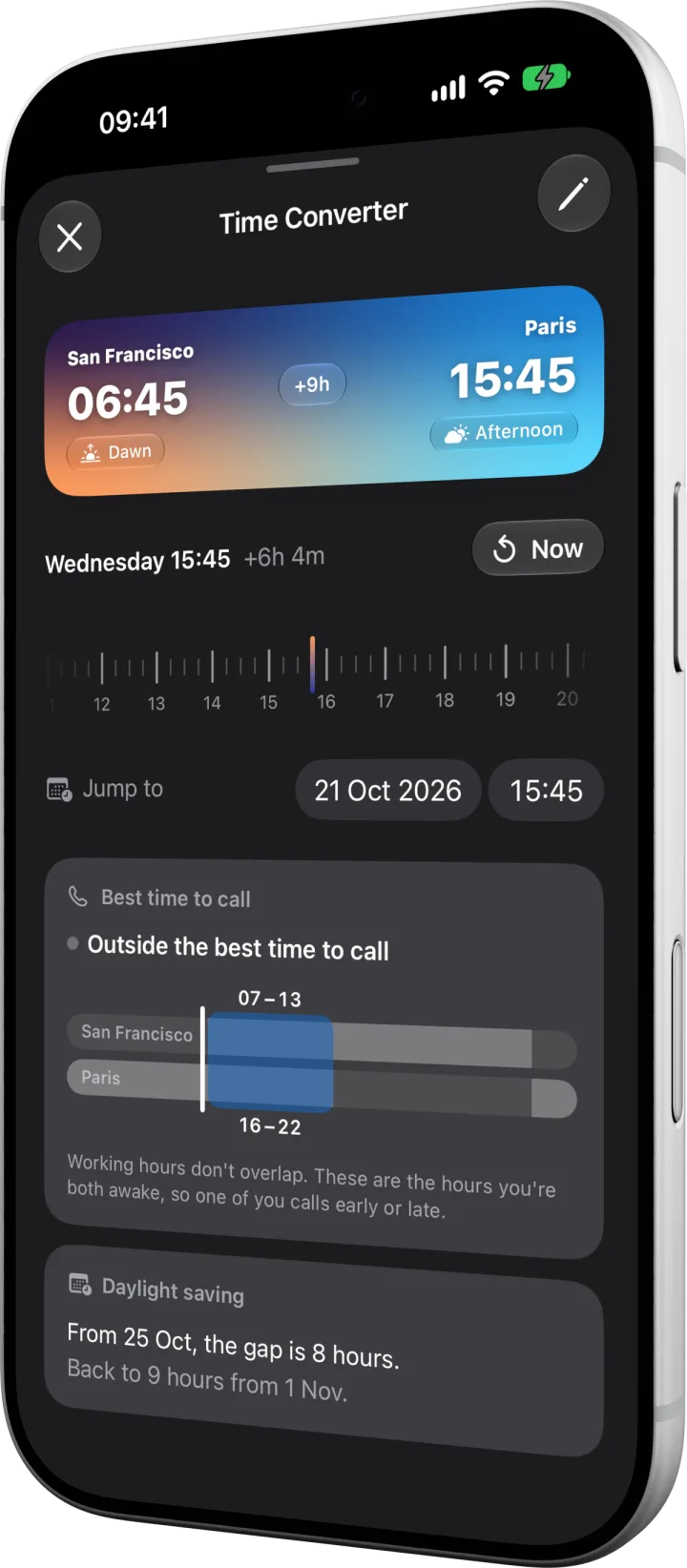
Time Converter
Tap any pair and drag the dial, or jump to a date, and both cities move together. The colours move too, so you can see when your 4 pm turns into someone else's midnight.
On the web
Pick two cities and see the time difference, when both are at work, and how daylight saving changes it. Free, no sign-up.
Outside the app
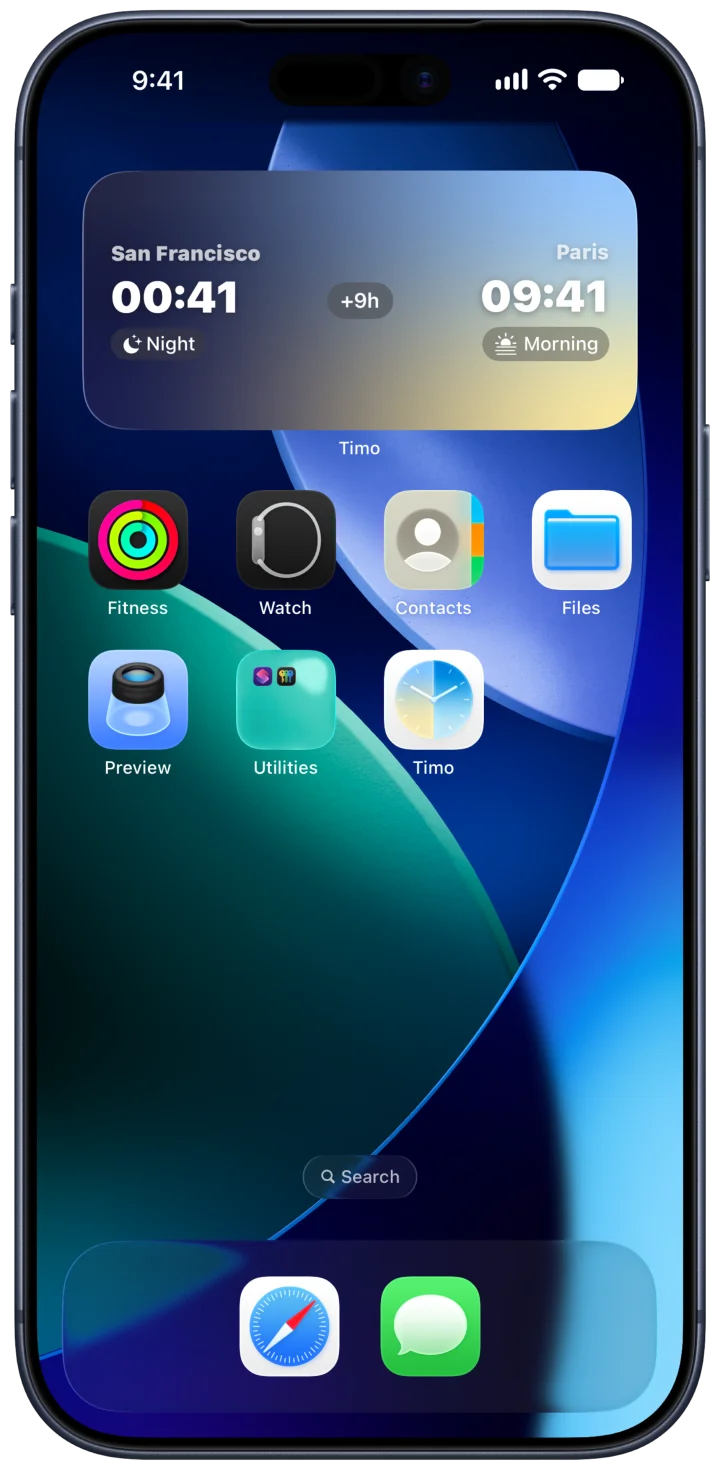
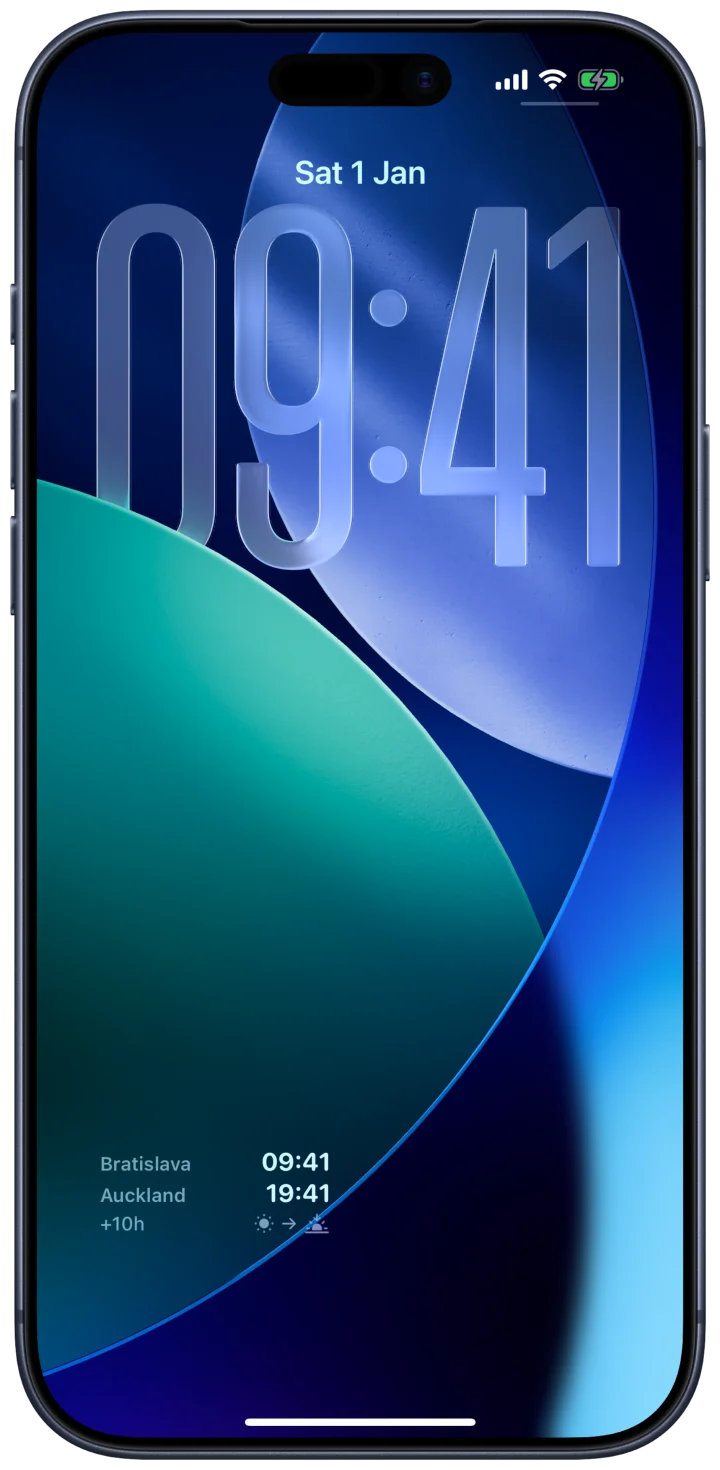
The Home Screen widget looks like a card from the app, theme and all, and keeps time with your iPhone's clock to the minute. The Lock Screen widget fits both cities, their times and the difference into a single line.
The small things
PST · CET · JSTBratislava ⇄ CESTWork / Family / TravelCan't find it?Light · Dark · SystemEN DE ES JA PTOfflinePrivacy
Open the app and you're in. There are no ad SDKs or third-party trackers, only anonymous, aggregate analytics. When you ask for your location, it's resolved on your iPhone by Apple's frameworks and never sent to us.
Yes. Every clock, widget and converter feature is free, with no ads, accounts or subscriptions. The Classic theme is free too. Leave a tip of any size in the app and the other five themes — Monochrome, Aurora, Ocean, Sunset and Forest — are yours.
The built-in Clock shows a flat list of cities. Timo pairs cities side by side with the difference already worked out, colours each one by its time of day so you can see who's awake, lets you drag a dial to find a time that works for everyone, and puts your pairs on the Home and Lock Screen.
Yes. Tap a pair and drag the dial, or jump to a date, to see both times at any moment. The dial in the toolbar shifts every pair at once. Each city shows its zone abbreviation and UTC offset, and you can add a pair by typing an abbreviation like PST, CET or JST.
Yes. Since version 1.5, the pairs you set up on your iPhone appear on your Apple Watch in their time-of-day colours. You can also add a pair complication to your watch face, with both times and the difference, or show one city in a circular or corner complication.
Yes. Your pairs are stored on your iPhone and work without a connection. If you're signed in to iCloud, they also sync privately through your own iCloud account.
No. Timo has no accounts, no ad SDKs and no third-party trackers — only anonymous, aggregate analytics. Location, when you use it, is processed on your device through Apple's frameworks and is never sent to us.
English, German, Spanish, Japanese and Portuguese (Brazil). Timo follows your iPhone's language setting.
No — Timo is built for iPhone and is available on the App Store. There is currently no Android version.